Material traceability
Connect PO and line, MTR/CoC, BOM item ball, heat or serial number, quantities ordered, quantities installed, and drawing use.
Beta workbook system for Project Box and closure package records
Built for pipeline construction teams that need material traceability, pipe tally, weld/NDE, pressure test, and as-built records to match before the package reaches records review.
For FlowCTRL, LLC
FlowCTRL Suite is a local Excel-based workflow for projects where closure documentation cannot be fixed by memory at the end. It turns PO lines, MTR/CoC details, item balls, heat and serial numbers, joint numbers, weld numbers, NDE status, PTR data, and drawing references into source records that downstream reports can reuse.
That matters because common records review issues are usually mismatches: BOM to MTR, pipe tally to redline, weld map to NDE reader sheet, daily weld report to welder stencil, and PTR to tested material. FlowCTRL is built to expose those mismatches while the inspector still has the job in front of them.
FlowCTRL, LLC is independent and is not affiliated with or endorsed by Kinder Morgan. Operators and project teams remain responsible for internal review, acceptance, and regulatory compliance decisions.
Closeout control
The suite is organized around the records project managers and records analysts chase at the end of a pipeline job.
Connect PO and line, MTR/CoC, BOM item ball, heat or serial number, quantities ordered, quantities installed, and drawing use.
Keep weld numbers, prefixes, suffixes, welder stencils, NDE reader sheets, daily weld reports, weld maps, and qualifications aligned.
Pair pipe tally and joint-level source data with pressure test list records so PTRs, sketches, and tested material are easier to audit.
Build IFC page exports and summary tables from source data so redlines, heat maps, and final as-built inputs tell the same story.
Documentation pipeline
Crystal reports, PSR data, PO lines, vendor records, and transfer or field purchase details.
MTRs, CoCs, BOM item balls, heat numbers, serial numbers, manufacturer data, and quantities.
Joint numbers, pipe lengths, weld numbers, batch numbers, welder stencils, and NDE status.
Pressure test records, hydro limits, drawing pages, redlines, heat maps, and final install records.
Pipe tallies, daily weld reports, lists, CSV exports, and static package deliverables.
FlowCTRL products
Each workbook solves a specific records problem, while the suite keeps the same project identifiers moving through the reports that depend on them.
.png)
Suite launch point
Controlled starting point for workbook launch, licensing, shared resources, and consistent AFE folder structure.
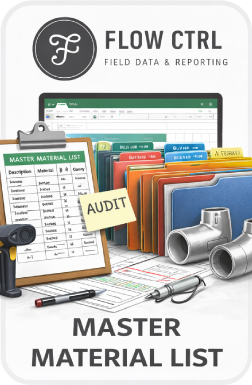
Materials
The suite backbone for BOM, PO/line, item ball, heat, serial, quantity ordered, quantity needed, and installed material tracking.
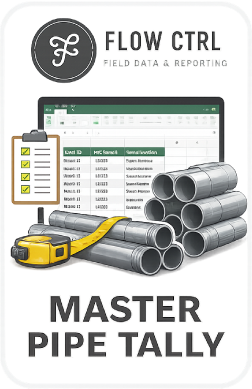
Pipe records
Captures project pipe data and automatically completes individual tally forms by matching designated pipe properties.
As-built inputs
Assigns pipe and components to IFC drawing pages, then reuses joint and item ball lookups for hydro and final install summaries.
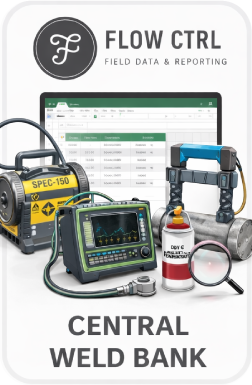
Welding
Consolidates project weld information so weld IDs, welder stencils, NDE dates, and report outputs stay in one source.
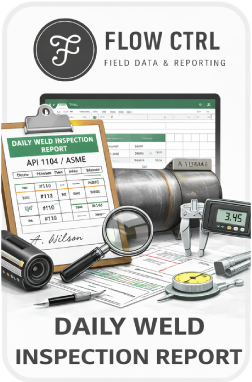
Daily reports
Pulls weld information by NDE date from the weld bank and completes daily inspection report fields from source entries.
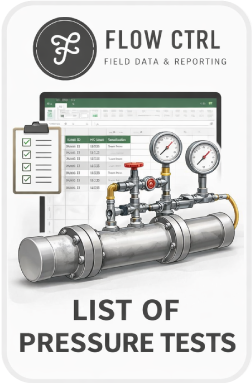
Hydro records
Keeps pressure test list inputs available to pipe tally, hydro, and final package workflows.
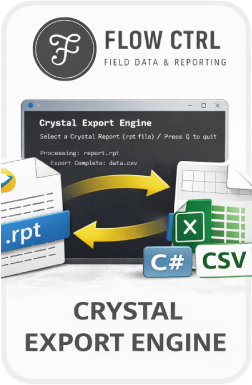
Procurement intake
Retrieves SAP Crystal procurement status report data from .rpt files into structured CSV files for downstream cleanup.
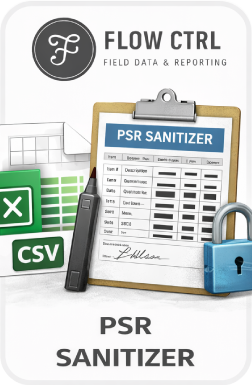
Procurement cleanup
Removes unneeded cost fields and prepares procurement status CSV files for Master Material List import.
Inspector workflow
Inspectors remain in control of the source entries, while FlowCTRL handles grouping, lookups, validations, totals, Power Query summaries, and static export formatting.
Beta access
FlowCTRL products are currently in beta. Use the contact below for project manager review, inspector workflow questions, or controlled pilot access.